
Read the Qur’an.
Make room
to reflect.
Read Arabic alongside English, listen to recitation, and spend time with the questions a verse brings up. Hikma brings Qur’an reading and reflection together on iPhone and Android.


Start free. English audio is included with Ameen.

Stay with
the passage.
Read a surah in order, or return to a particular verse. Keep the Arabic and English together as you follow the meaning, with recitation available when you want to listen.
For a short first reading, open Ash-Sharh. Read verses 5 and 6 together, then explore the rest of the surah.
Open Qur’an 94:5Continue to 94:6- Arabic text
- The Qur’an itself, with surah and verse references you can follow.
- English translation
- A way to read the meaning alongside the Arabic. A translation involves interpretation; return to the passage and compare sources when a word or idea needs closer study.
- Reflection
- A separate space to consider a verse and explore questions. Reflect’s AI responses include Qur’an references to open and check.
Room to read.
Switch to Quiet Reading for a continuous view of the English translation.


Follow a verse.
Ask a question.
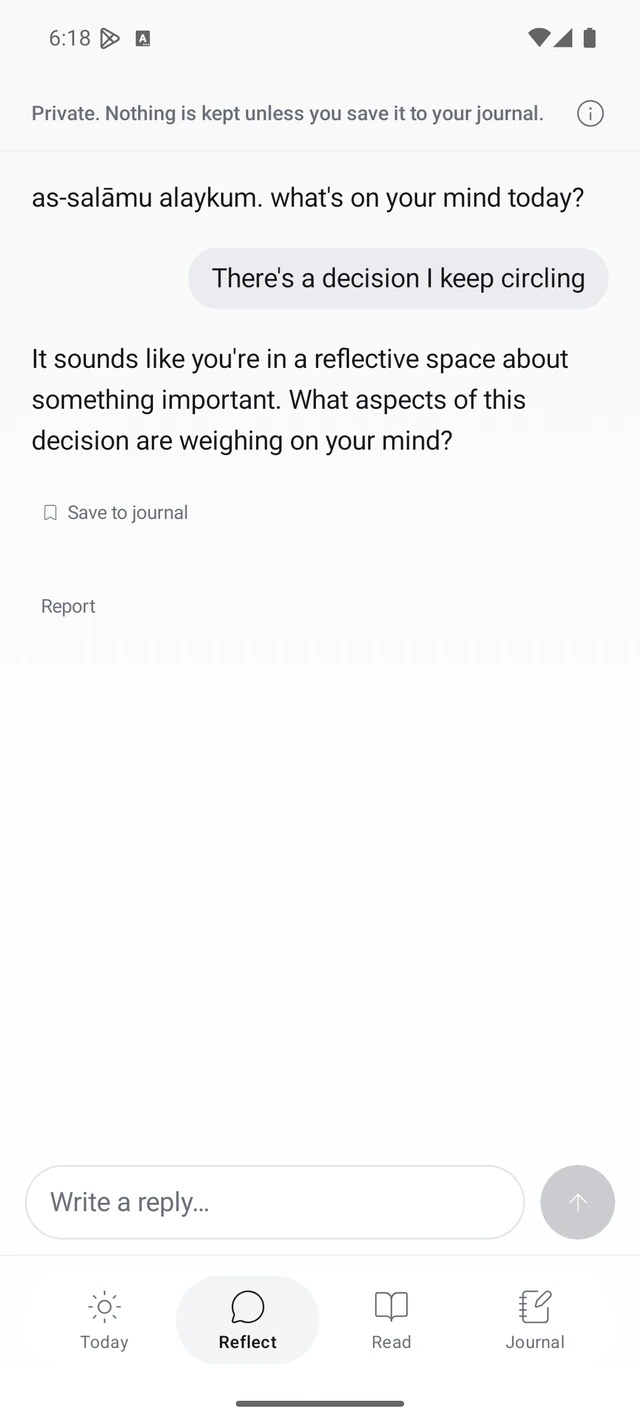
You could begin with “What does the Qur’an say about patience?” Read a reference in context, ask a follow-up, and take time to form your own understanding.
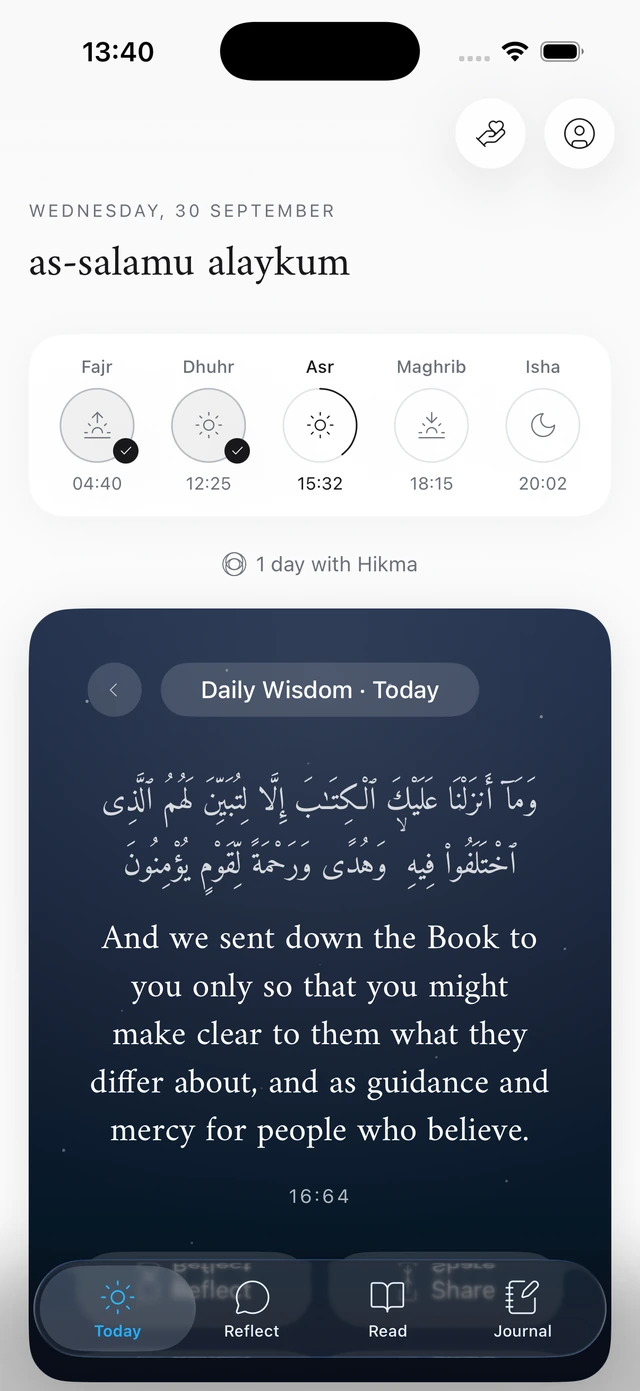
Daily wisdom gives you a verse and a reflection when you want a smaller starting point. Keep a few words in your private journal to return to later.
AI can make mistakes. Check the references and consult a qualified scholar for religious rulings.
Read Hikma’s principlesPrayer and duas,
close at hand.
Keep a prayer check-in, a dua for the moment, and the Qibla within reach. Add a widget for a quick look at prayer times or a verse.
- Prayer times and check-ins
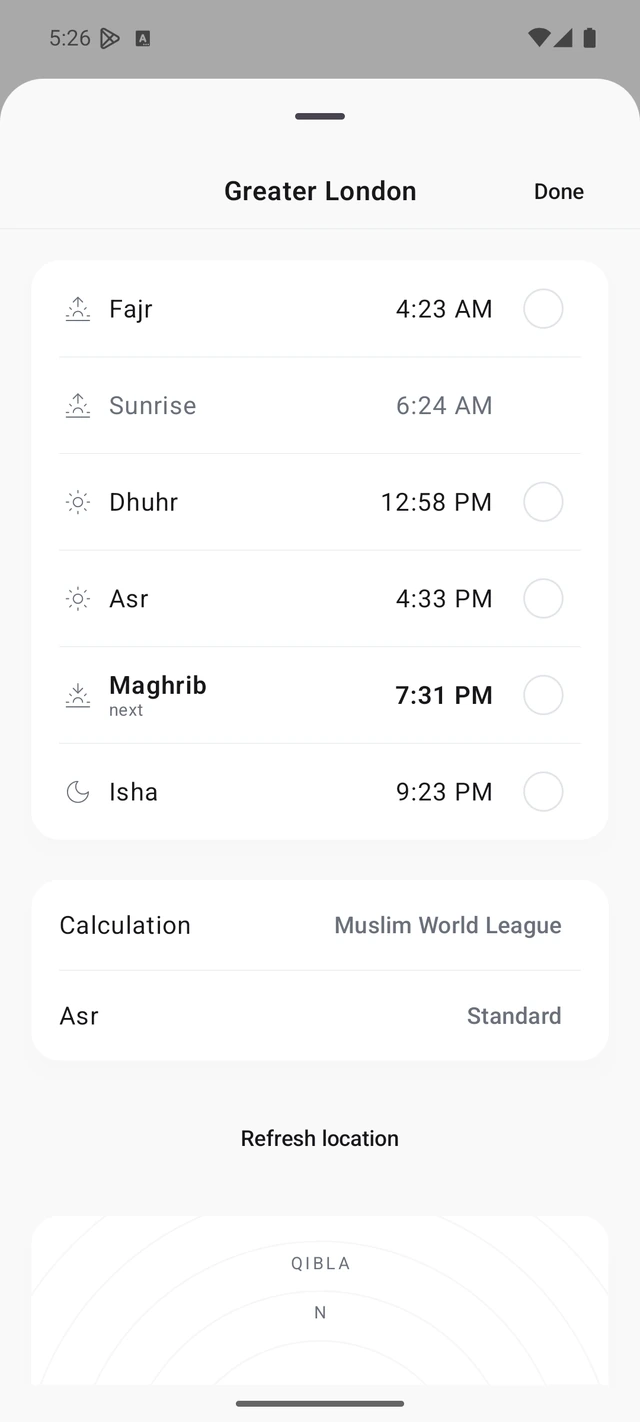
- See times for your location, adjust calculation settings, and mark prayers complete in your personal log.
- Find the Qibla
- Use the compass when you’re somewhere new. The Qibla widget is available on iPhone.
- Duas for the moment
- Browse supplications by situation. Ameen opens the full collection.
- Widgets for iPhone and Android
- Ameen includes daily wisdom, a verse with a reflection prompt, and prayer-times widgets on both platforms. iPhone also has a Qibla widget.


Begin for free.
Go further
with Ameen.
The Qur’an reader, Arabic recitation, daily wisdom, prayer times and Qibla are free. You can also begin reflecting and keeping a journal.
Ameen adds unlimited Reflect, English Qur’an audio, journal search and export, all widgets, the full dua collection and verse videos.
Your app store shows the current price, available trial and renewal terms before you confirm. Manage or cancel your subscription through the App Store or Google Play.
Explore Ameen
Begin with today’s verse
Download Hikma for iPhone or Android. Today’s verse is a simple place to start.

 Send via WhatsApp